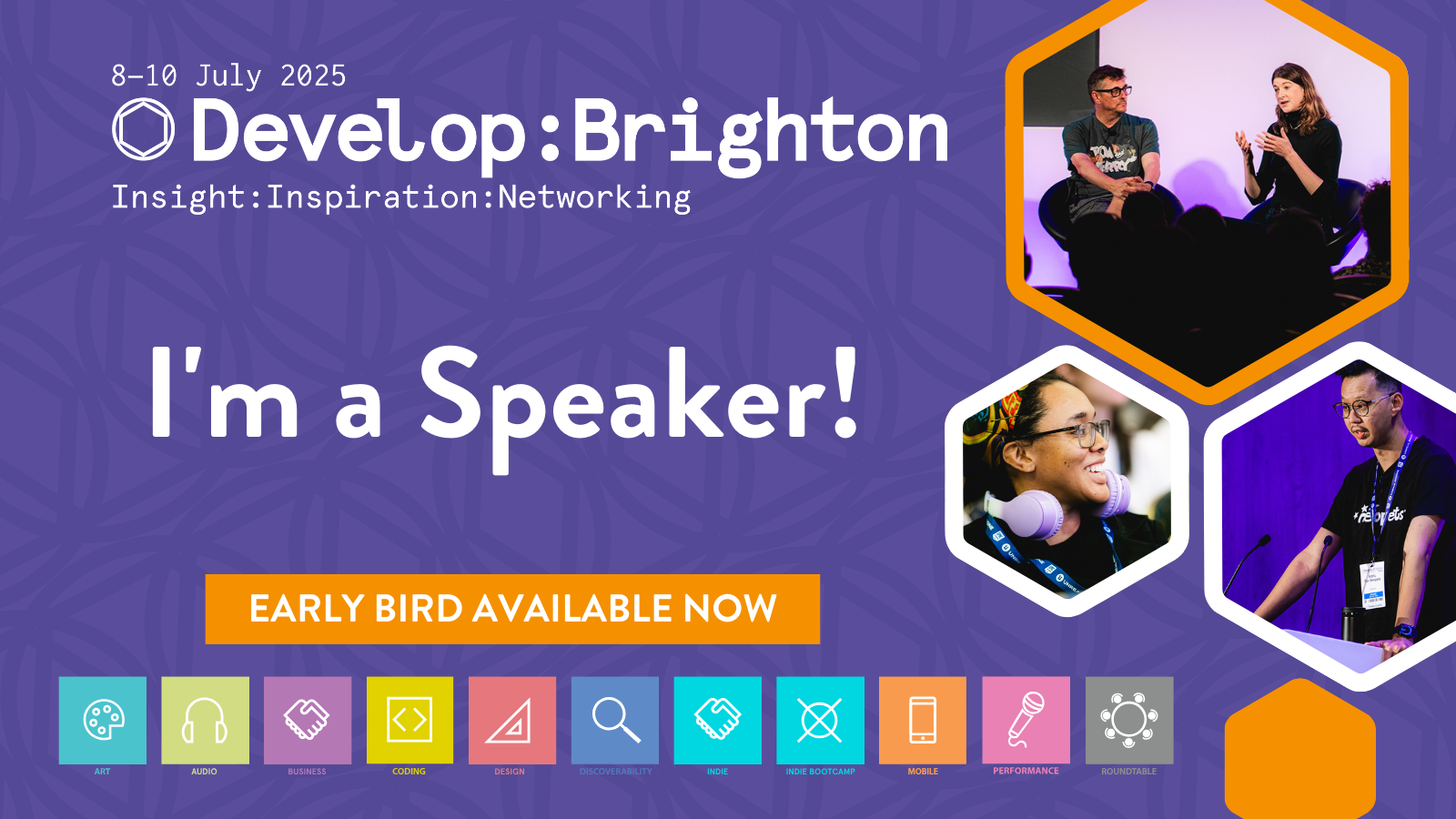
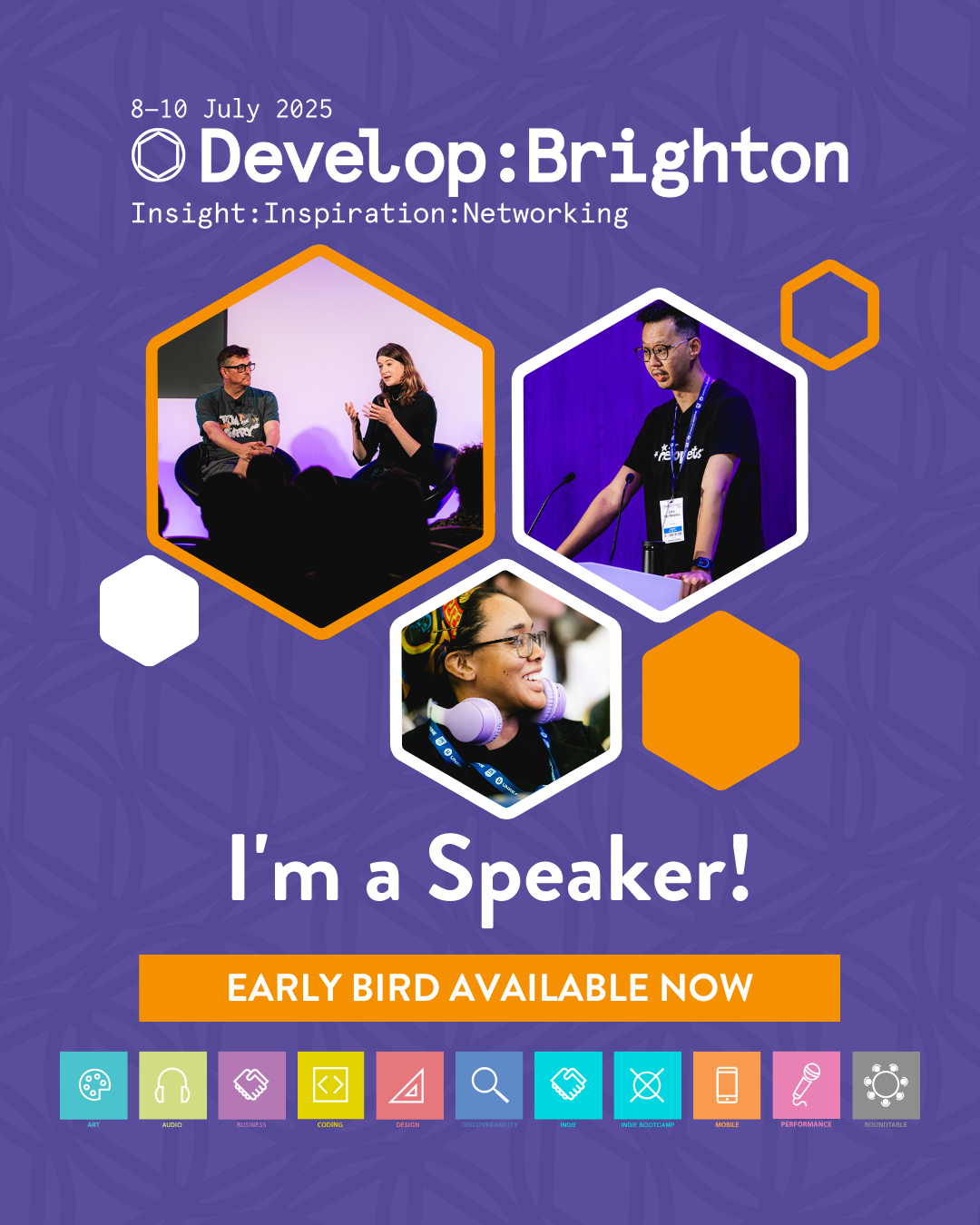
Speaker Social Assets

Below you will find links to some social media templates that you can add your headshot to and use to share the news that you'll be speaking at Develop:Brighton. Please click your preferred format below & follow the instructions. 

Portrait

Square

Instructions:

  • Click the link and sign into Canva (if you don't have Canva you can sign up to a free account)
  • Select 'View template' then 'Open in editor'
  • Click 'Uploads' on the left & upload your headshot
  • Once uploaded, drag & drop your photo into the hexagonal picture area on your preferred colour speaker post visual
  • You can adjust the position of your photo by double-clicking into the photo (you may need to click 'smart crop' first)
  • When you're happy with it, click 'Share' (top right) then 'Download'
  • Download as a 'png' file, select the relevant page and download the file


Alternatively, we have some ready-made speaker promotion post images available below that you can download and use to promote your talk:

Don't Miss Develop

Headline Sponsor

PlayStation logo
Tebex logo
Supercell logo

view all

Submit a talk